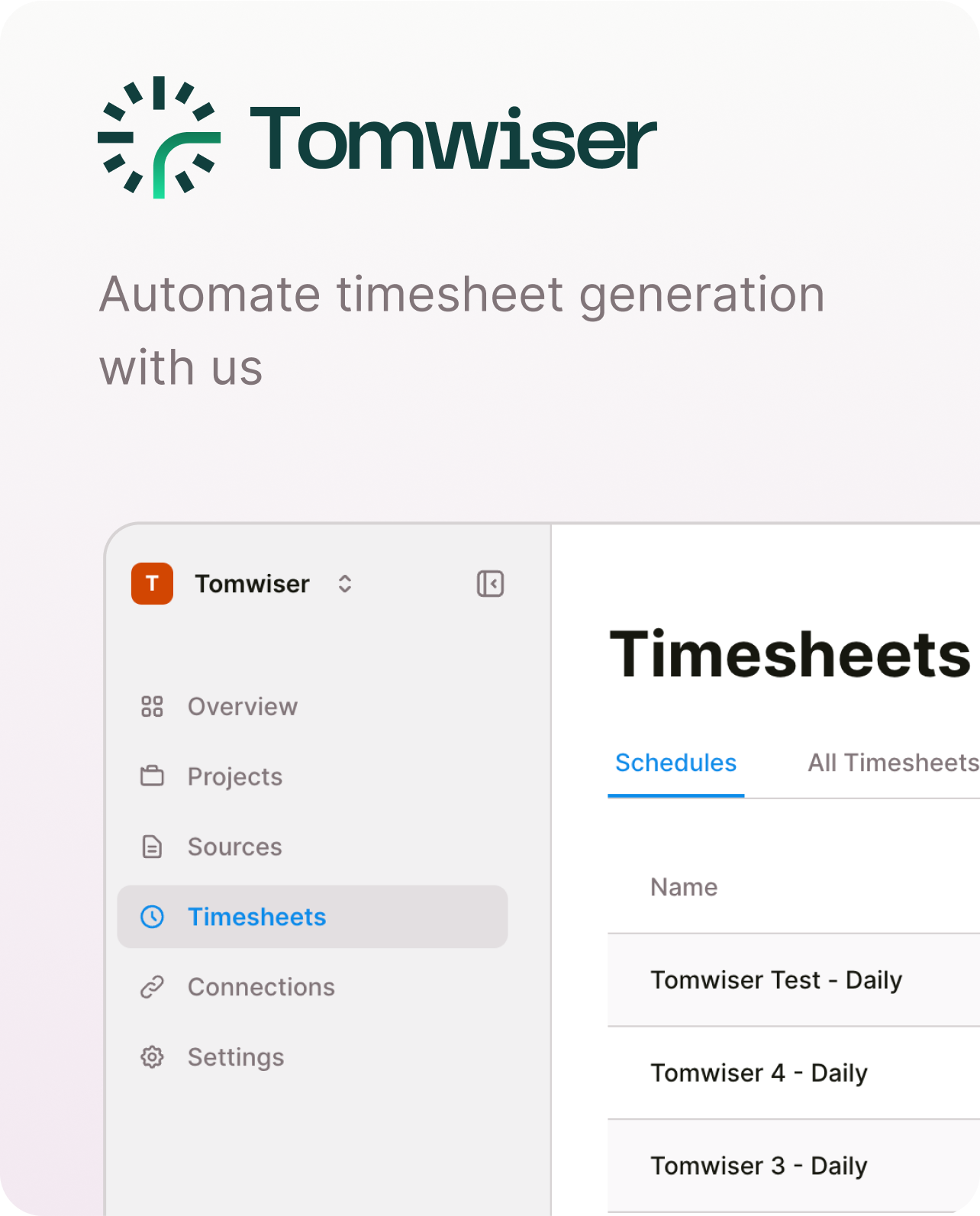
AI-Powered Timesheet Engine for Modern Work Vector line Vector line

Your work, your time - captured, not guessed. One source of truth for time tracking. Connect Google Calendar and GitHub for work signals, integrate with Slack, Discord, Harvest, Toggl, and webhooks for seamless time-tracking workflows.

AI-Powered Features for
Smart Time Tracking

Experience the future of time tracking with our AI engine that captures work signals, analyzes patterns, and generates accurate timesheets across all your tools and platforms.

GitHub integration icon

Work Signal Capture

Connect GitHub and Google Calendar
to capture work signals and automatically
track development activity and meetings.

Try Now
Automated timesheets icon

AI Timesheet Engine

Your work, your time - captured, not guessed.
AI analyzes work signals to generate
accurate, professional timesheets automatically.

Try Now
Multi-platform integration icon

MVP Integrations

Connect with Slack, Discord, Harvest,
Toggl Track, webhooks, and email for
seamless workflow management.

Try Now
Team collaboration icon

One Source of Truth

Centralized time tracking across all
your tools and platforms. Share projects,
manage teams, and maintain accuracy.

Try Now

Trusted by Modern Teams Worldwide

AI-Powered

Advanced time tracking technology

Secure

Enterprise-grade data protection

Integrated

Works with your existing tools

Accurate

Captured, not guessed

Feature image
Analytics chart image

AI-Powered Time Tracking That Actually Works

Capture work signals from Google Calendar and GitHub,
then let our AI engine transform them into accurate timesheets.
One source of truth for all your time tracking needs.


  • Work Signal Capture
  • MVP Platform Integrations
  • One Source of Truth
Start Free Trial
Vector shape
Vector shape

Frequently Asked Questions
About Tomwiser

How does Tomwiser's AI engine capture work signals?
Tomwiser's AI engine captures work signals from Google Calendar (meetings, events) and GitHub (commits, pull requests, development activity). Our AI analyzes these signals to automatically categorize and quantify your work time, converting them into accurate, professional timesheet entries.
What integrations are available in MVP 1?
For work signal capture, we support Google Calendar and GitHub. For timesheet delivery and workflow integration, we support Slack, Discord, Harvest, Toggl Track, webhooks, and email. We're continuously expanding our integration ecosystem based on user feedback and demand.
How accurate is the AI-powered time tracking?
Our AI engine analyzes work signals to provide highly accurate time estimates. You can set up projects with specific repositories, branches, and date ranges. The system learns from your work patterns and allows manual adjustments to ensure accuracy for complex workflows.
Is my data secure with Tomwiser?
Absolutely. Tomwiser uses OAuth for secure authentication with Google Calendar and GitHub, following industry best practices for data protection. We only access the data you explicitly connect, and all information is encrypted in transit and at rest.
What makes Tomwiser different from other time tracking tools?
Tomwiser is the only AI-powered timesheet engine that captures work signals instead of guessing. We analyze actual work activity from Google Calendar and GitHub to provide accurate time tracking. Our "one source of truth" approach eliminates the need for manual time entry while maintaining precision.
Can multiple team members use Tomwiser?
Yes! Our organization plans support team collaboration. Each member maintains their personal timesheet and individual connections to their Google Calendar and GitHub accounts. Organization admins can invite team members to join their organization, allowing for coordinated project management while preserving individual privacy and data ownership.
What if I need to track time for non-coding work?
Tomwiser captures work signals from Google Calendar for meetings and events, and GitHub for development work. You can manually add time entries for planning, research, or other activities not captured by these sources. Our AI engine provides a complete picture of your work time.
How do I get started with Tomwiser?
Getting started is simple: connect your Google Calendar and GitHub accounts, select the repositories and calendars you want to track, configure your projects and time preferences, and let our AI engine handle the rest. Our 14-day free trial lets you explore all features risk-free.

Ready to automate your
timesheet generation?

  • No credit card needed
  • Free 14-day trial